Launching the new monitoring device at 88% completion
Role:
Product Designer
Company:
Truemfg
Read Time:
5 minutes
Timeline:
May 5, 2026 - May 7, 2026
Platform:
Web Application
Focus Areas:
Retention & Habit Design, Psychological Safety in UX, Deliberate Practice Loops, MVP Scoping & Validation
Context;
I built this unsolicited design exploration to show how I think, scope, and deliver — using nothing but the public PitchSense AI vision.
88%
74%
Onboarding completed without support
35%
Authentication-stage drop-offs
The Initial Brief
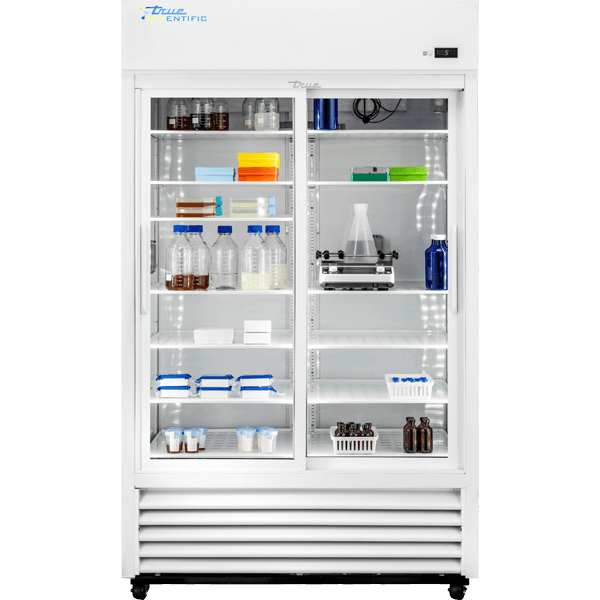
True Manufacturing is famous for heavy-duty commercial refrigeration. For this project, they were launching a digital temperature-monitoring device designed to bind directly to their scientific refrigeration units. These refrigerators store high-value, highly sensitive inventory like - vaccines, medical supplies, and laboratory specimens.
If a refrigeration unit drifts outside its narrow temperature threshold, even by a couple of degrees, entire batches of critical medicine can spoil. The stakes are incredibly high, which is why real-time digital monitoring was so important.
Since TrueMFG works with a lot around B2B clients, they sometimes handle client account creation, contract billing, and initial database setup manually behind the scenes through sales and support teams.
This meant our digital interface couldn't just assume every customer followed a standard, automated signup sequence. The mobile interface had to act as a lightweight, highly reliable setup.
Major design pivots
Our platform already had a mature role-based access control system:
Customer Admin
Customer Analyst
Store Admin
Store Analyst
The natural instinct: add a fifth role for "onboarding staff", build a fifth dashboard.
WHY?
The existing roles are managerial role, they have sensitive data on the dashboard and on app after logging in!
The initial approach seemed obvious:
QR Scan → User logs in or signs up
Device Binding → Connect device to a refrigeration unit
Dashboard Access → Grant role-based access
THE FLOW?
QR Scan
↪ Is Device Valid?
↪ No ➡ Error
↪ Yes ➡ Is it a Scientific Device?
↪ No ➡ Load Page that conveys can't Provision
↪ Yes ➡ Sign Up/ Log In
↪ Provision (Bind & Claim)
This was all correct. But we were missing one critical question.
Who Actually Scans the QR Code?
Key Findings
Most device onboarding happens through part-time employees or contract-based workers.
These are temporary staff setting up equipment on their first day. They scan the QR code, bind the device, and move on. They have no interest in analytics dashboards or strategic insights. They're just setup people.
These users don't need a full dashboard. Building one is waste.
They don't need persistent accounts. They're not coming back tomorrow.
Adding them as a formal role creates unnecessary complexity in permissions logic.
It creates unnecessary support burden
The solution
We proposed an anonymous flow - a user path that required no persistent role at all.
The New Flow?
A person scans the QR code with no account required.
↪ Is Device Valid?
↪ No ➡ Error
↪ Yes ➡ Is it a Scientific Device?
↪ No ➡ Load Page that conveys can't Provision
↪ Yes ➡ In Device Bind?
↪ Yes ➡ Public Asset Dashboard Page
↪ No ➡ Device Setup Page ➡ Is it a Truemfg Refrigerator?
↪ No ➡ Provision with a custom name
↪ Yes ➡ Provision with Truemfg SN
In both the cases, you need to either Sign Up or Log In to provision the device, but you can also use just use the anonymous flow to just bind the device with the custom name or Truemfg SN.
So we have a flow for users who do want to claim ownership and access the dashboard, they can sign up or log in at that point. But it's optional, not required.
setup flow
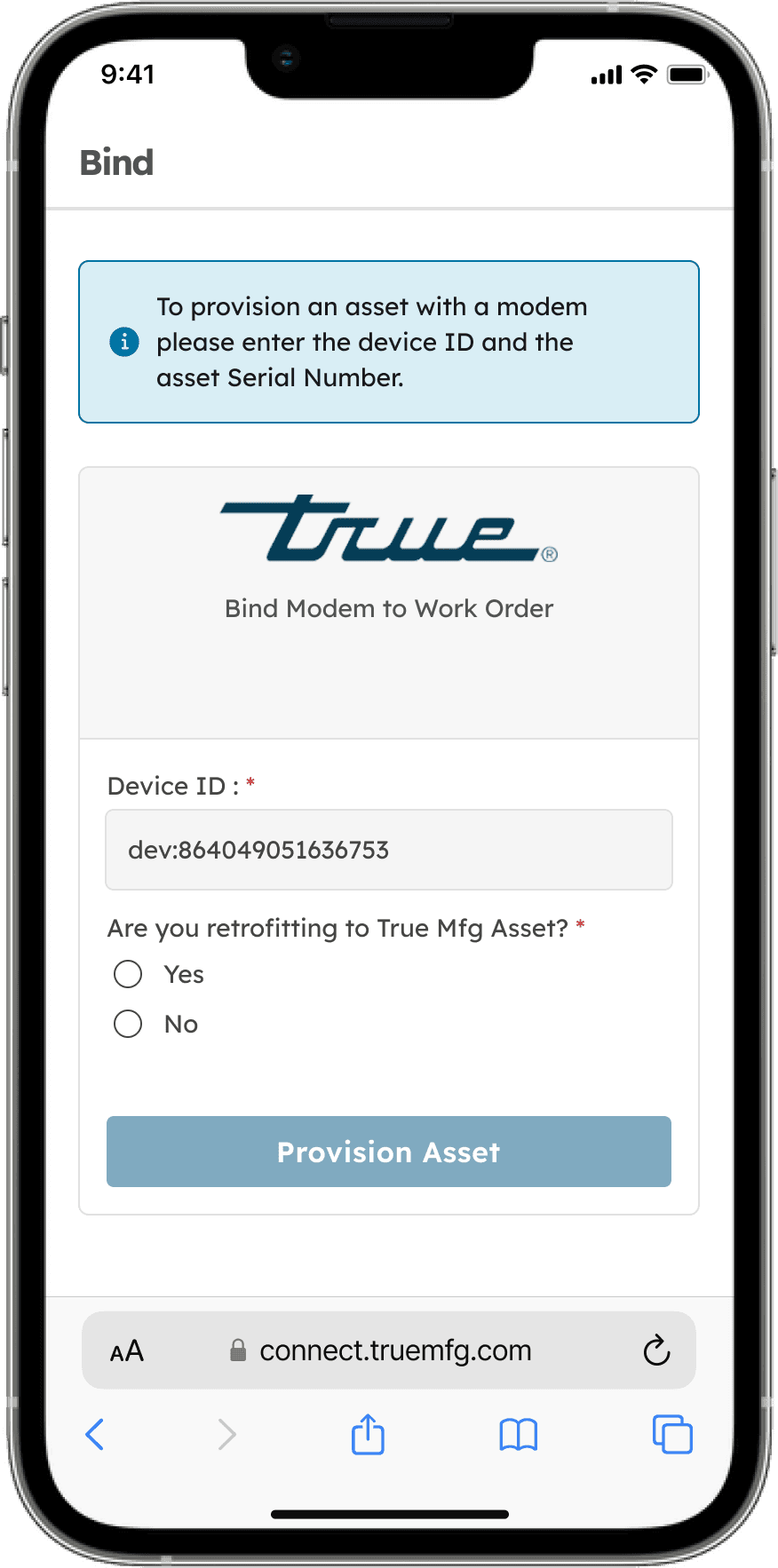
Scan the QR code: The technician scans the QR code printed on the physical sensor. The app loads instantly in a mobile browser without asking for a login or credentials.
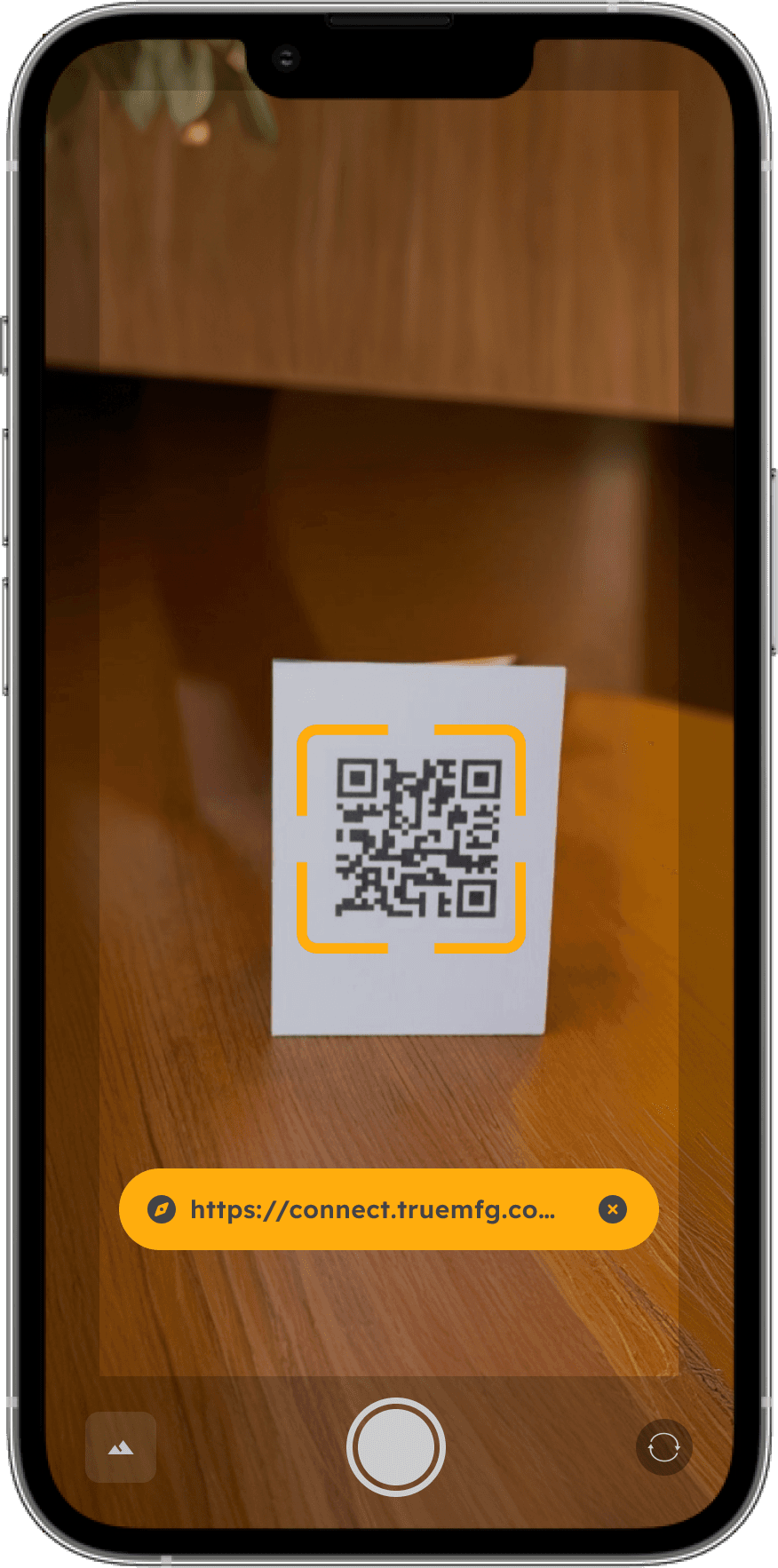
Validate the link: The system checks if the QR code is real and exists in our manufacturing database. If the link is invalid, we bypass generic system crashes and show a clear, friendly error screen.
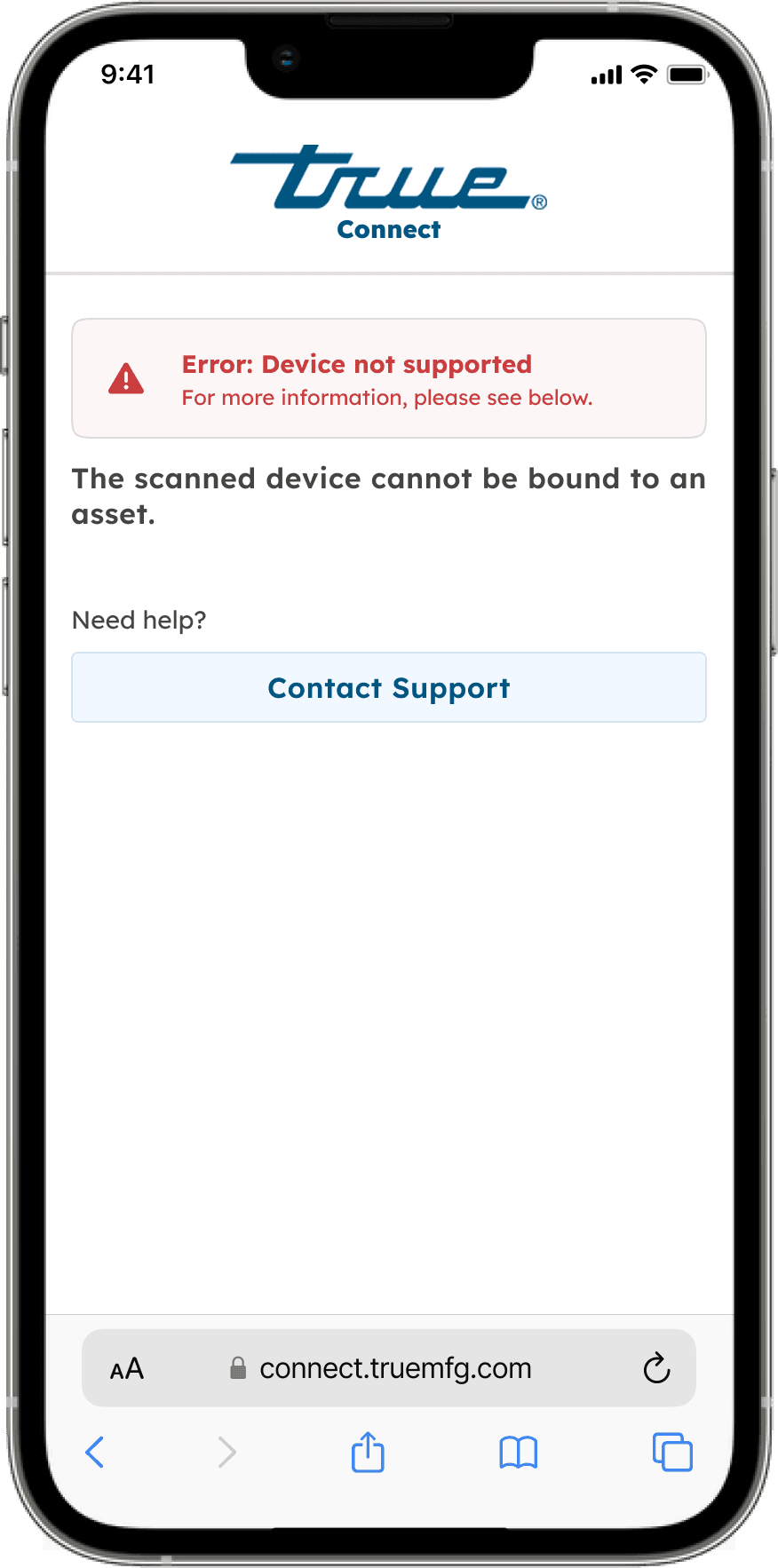
Check binding status: The app instantly checks if this specific device is already connected to a refrigerator. This check splits the user journey into two distinct paths.
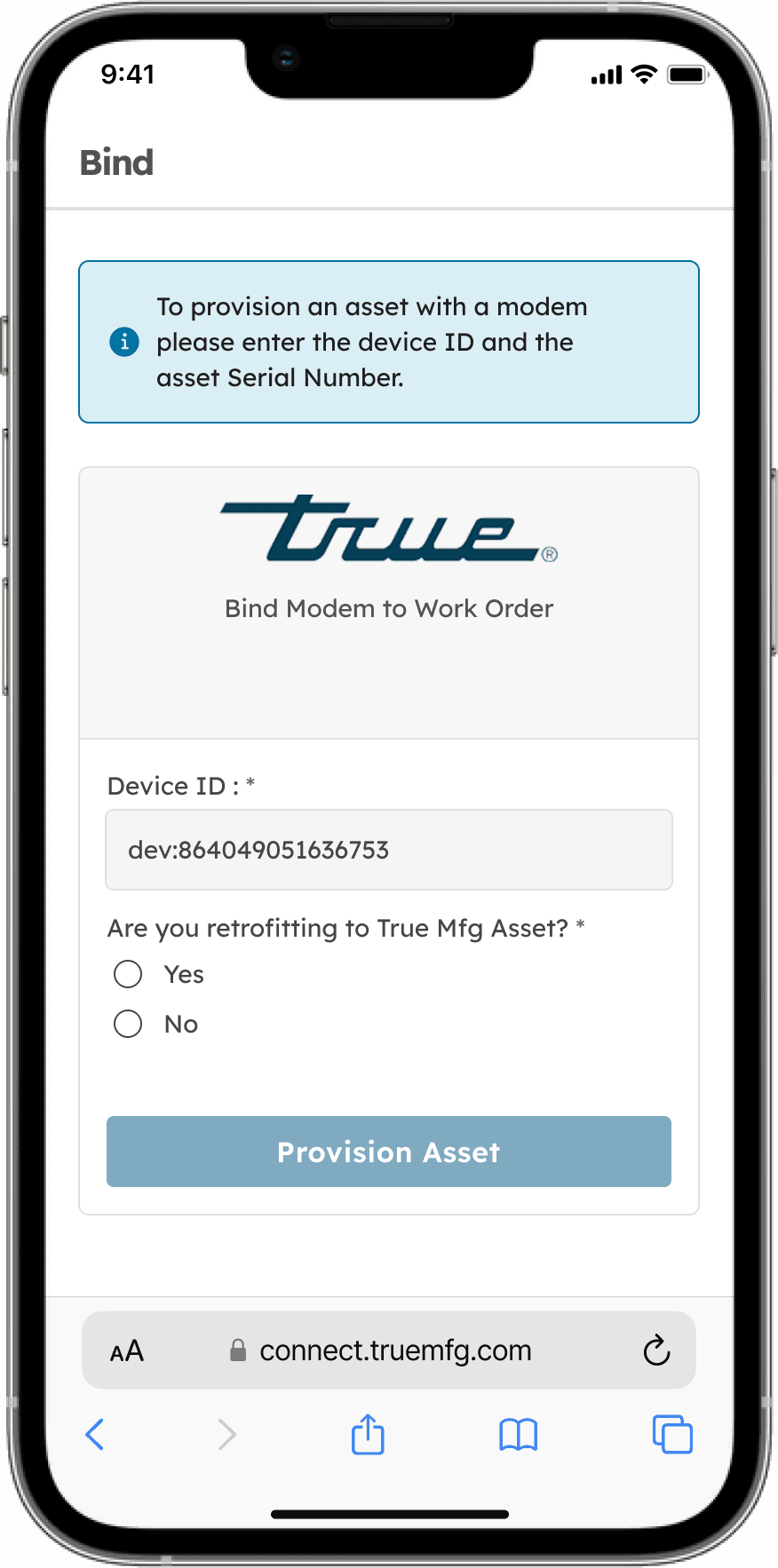
If the device is not bound (Path A): If the device is fresh out of the box, we load the binding form. The form dynamically adjusts based on what kind of hardware they are setting up. If they scan a TrueMFG clinical unit, the app asks for the unit's physical serial number, which we validate against our secure registry. If they are using a custom or generic refrigerator, the app lets them type a friendly name (like "Lab B Backup Vaccine Fridge") to complete the link.
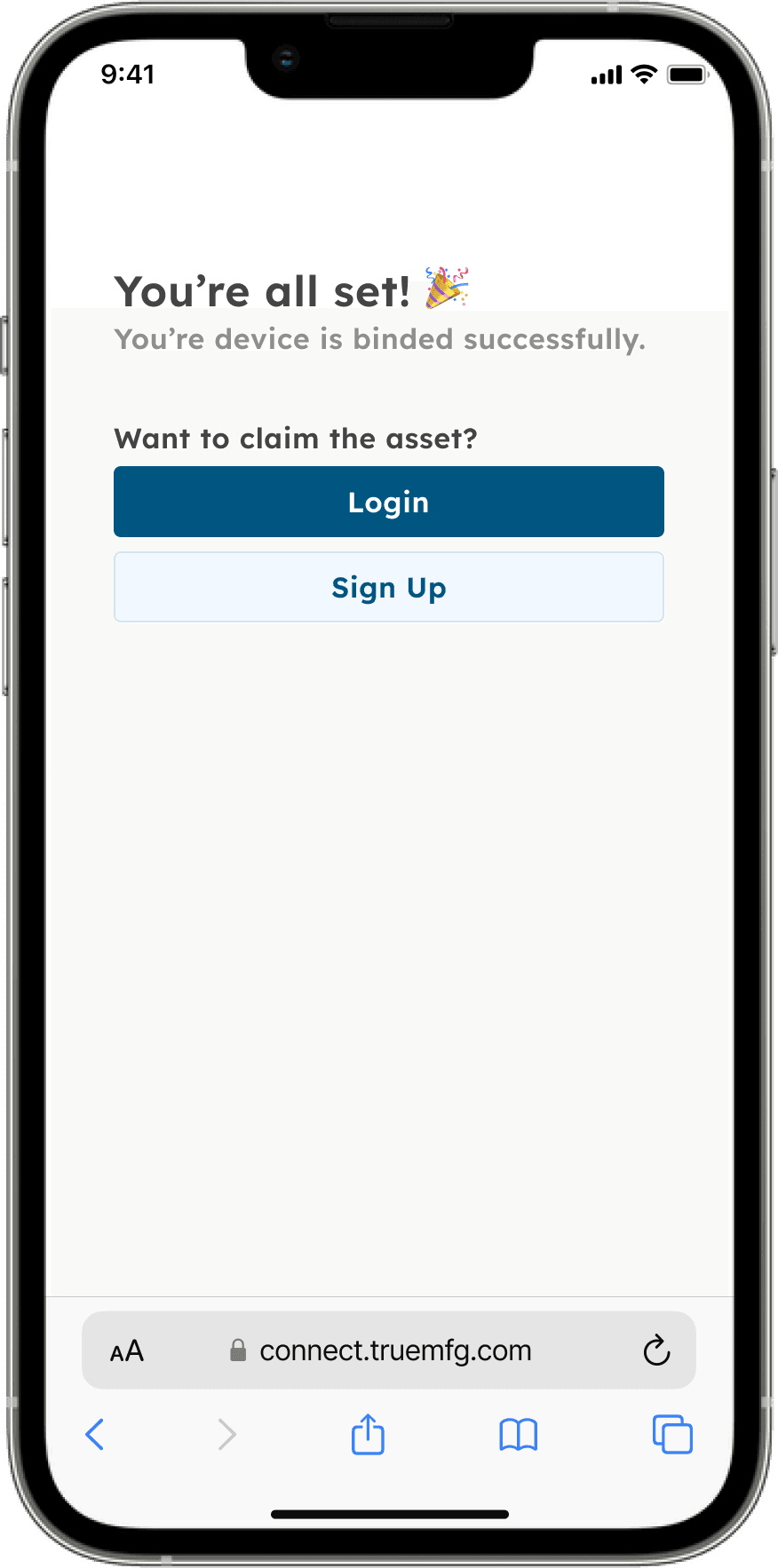
If the device is already bound (Path B): If someone has already completed the setup for this sensor, we don't block the screen with an error or show a "This device is already bound" warning. Instead, we automatically redirect the technician to a read-only Public Asset Dashboard. This dashboard displays live temperature logs and sensor health metrics without requiring any authentication. If a shift worker scans a fridge on their rounds, they don't have to log in; they can instantly see if the unit is running safely.

Optional claim device: At the bottom of the public dashboard, we placed a clear "Claim Device" button. If the user is the clinical administrator who actually needs to configure remote alarms, they can tap this button to register, log in, and permanently attach the fridge to their organization's dashboard.
Flow comparison—
Next Steps : Monetization and subscriptions
Monetization and subscriptions
The one-year trial hook: To drive rapid hardware adoption, every newly bound sensor automatically receives a free one-year trial of our premium monitoring tier, activated during the setup flow.

Data and insight gating: During that first year, clinical teams become heavily reliant on real-time alerts and historical logging. After twelve months, we restrict access to advanced analytical reports and strategic insights unless the company transitions to a paid B2B subscription.

Smart manual workarounds: Enterprise B2B billing is highly complex. Hospital procurement departments, volume contracts, and subscription renewals are negotiated manually by sales teams. We deliberately avoided building a complex, fully automated online billing system. Keeping the physical setup digital and automated, while routing complex corporate billing through manual offline workflows, saved us months of engineering effort and prevented system over-engineering.
Measurable outcomes & Business Impact
Customer Experience: Temporary staff complete setup without login or training
Security Maintained: Admin ownership gated at "Claim" button level, not setup leve
Conversion Path: Every device auto-grants 1-year free trial, creating paid customer pipeline
Engineering Savings: Avoided building redundant fifth dashboard and permissions
88%
74%
Onboarding completed without support
< 3 week
Saving weeks of engineering effort